
Using Herb in Editors
The Herb Language Server provides intelligent language features for HTML+ERB files across multiple editors. With built-in support for diagnostics, syntax highlighting, and upcoming formatting capabilities, you can enhance your ERB development workflow in your favorite editor.
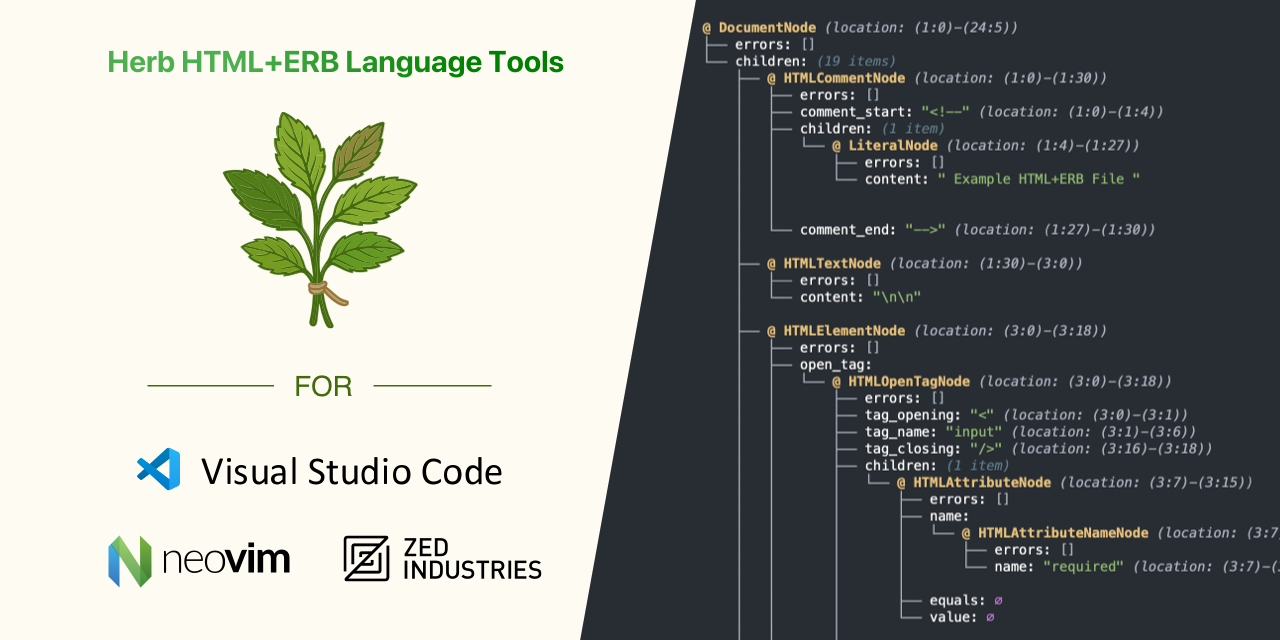
Available Integrations
- Cursor - Available through the Open VSX Registry
- Helix - Terminal-based modal editor with built-in LSP support
- Neovim - LSP configuration with multiple setup options
- Sublime Text - LSP configuration using Sublime LSP
- Vim - Traditional Vim integration
- Visual Studio Code - Full-featured extension available on the Visual Studio Marketplace
- Zed - Built into the official Ruby extension
Planned Support
- RubyMine - JetBrains IDE support (not yet available)
Manual Installation
For editors not listed above, you can use the Herb Language Server with any editor that supports the Language Server Protocol.
Install globally
bash
npm install -g @herb-tools/language-serverbash
yarn global add @herb-tools/language-serverbash
yarn dlx -q @herb-tools/language-server --stdiobash
pnpm add -g @herb-tools/language-serverbash
bun add -g @herb-tools/language-serverRun the server
bash
herb-language-server --stdioOptions
Usage: herb-language-server [options]

Options:
  --stdio          use stdio
  --node-ipc       use node-ipc
  --socket=<port>  use socket
Quick Start with NPX
Run without installing:
bash
npx @herb-tools/language-server --stdio